
Blog ·
Folders look empty after updating to 3.0? Here is the fix

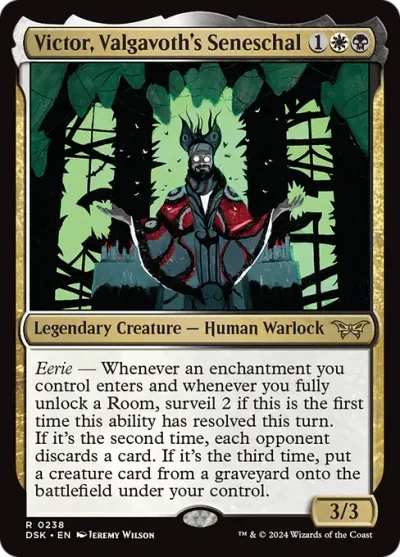
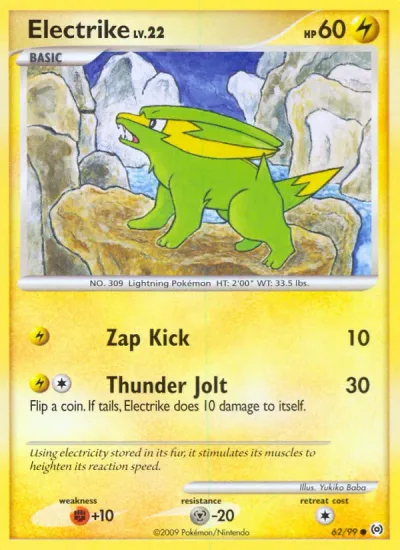
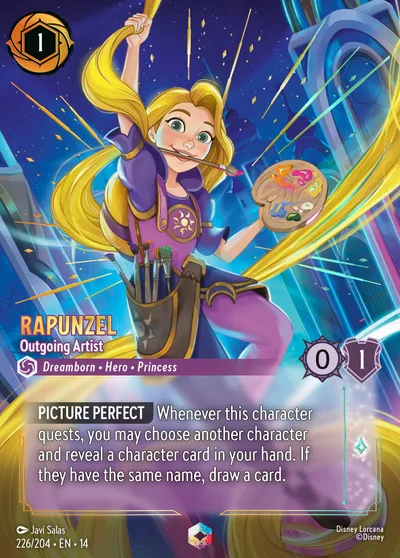
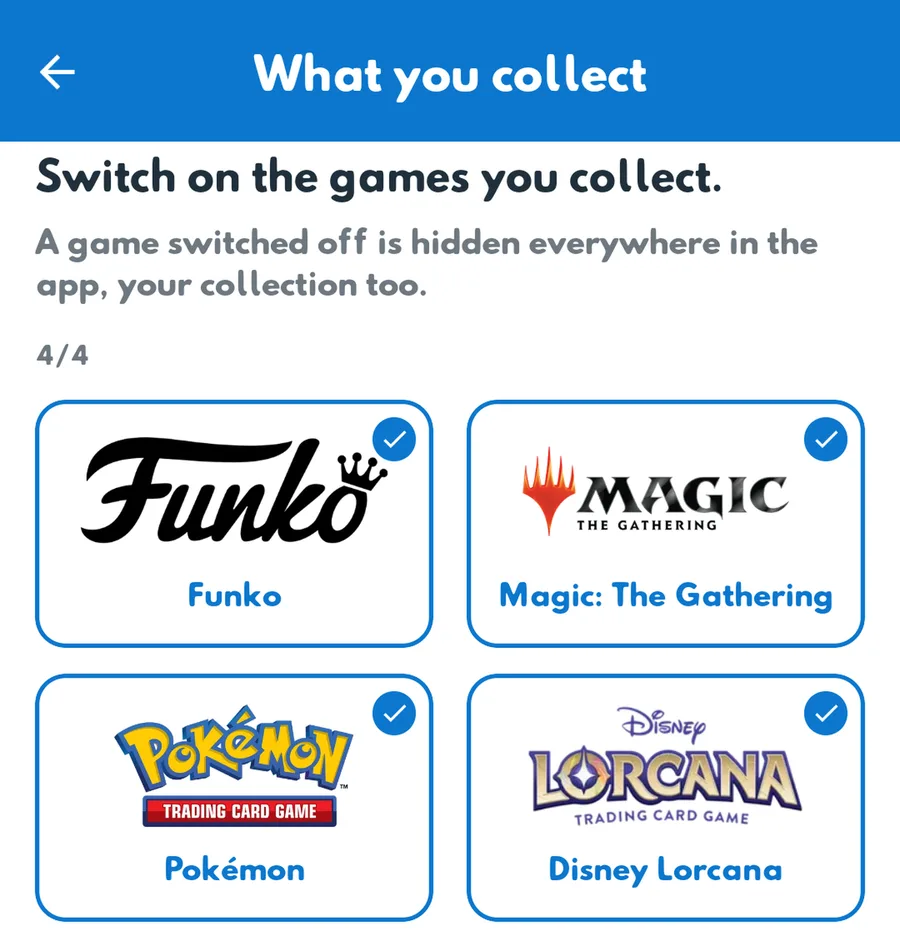
If your folders or your collection look empty after updating PopGrinder to 3.0, your items are still there. PopGrinder 3.0 added a step that asks which games you collect, and a game that is switched off is hidden everywhere in the app, your folders and your collection included. Switch the game back on and everything is back at once.
Your items are safe
Your folders are saved on your PopGrinder account, not on your phone. Updating the app, or switching a game off, does not change what you saved.
Switch the game back on
1. Open Settings, then What you collect.
2. Switch on the games you collect, Funko for example.
3. Save. Your items are back at once.
What 3.0.1 changes
We are releasing PopGrinder 3.0.1. It asks everybody once which games they collect, and every game starts switched off, so you switch on only the ones you collect. The screen says plainly that a game left off is hidden everywhere in the app, your collection included.
Switching a game off in Settings now asks you to confirm first. You can change your choice at any time.
Still empty?
Check that you are signed in with the account you used before (email, Google or Apple). If you are, write to support@popgrinder.com with the email of your account and we will look at it with you.